How do I share my notes?
ideaShell
Example AI prompt
How do I share my notes?
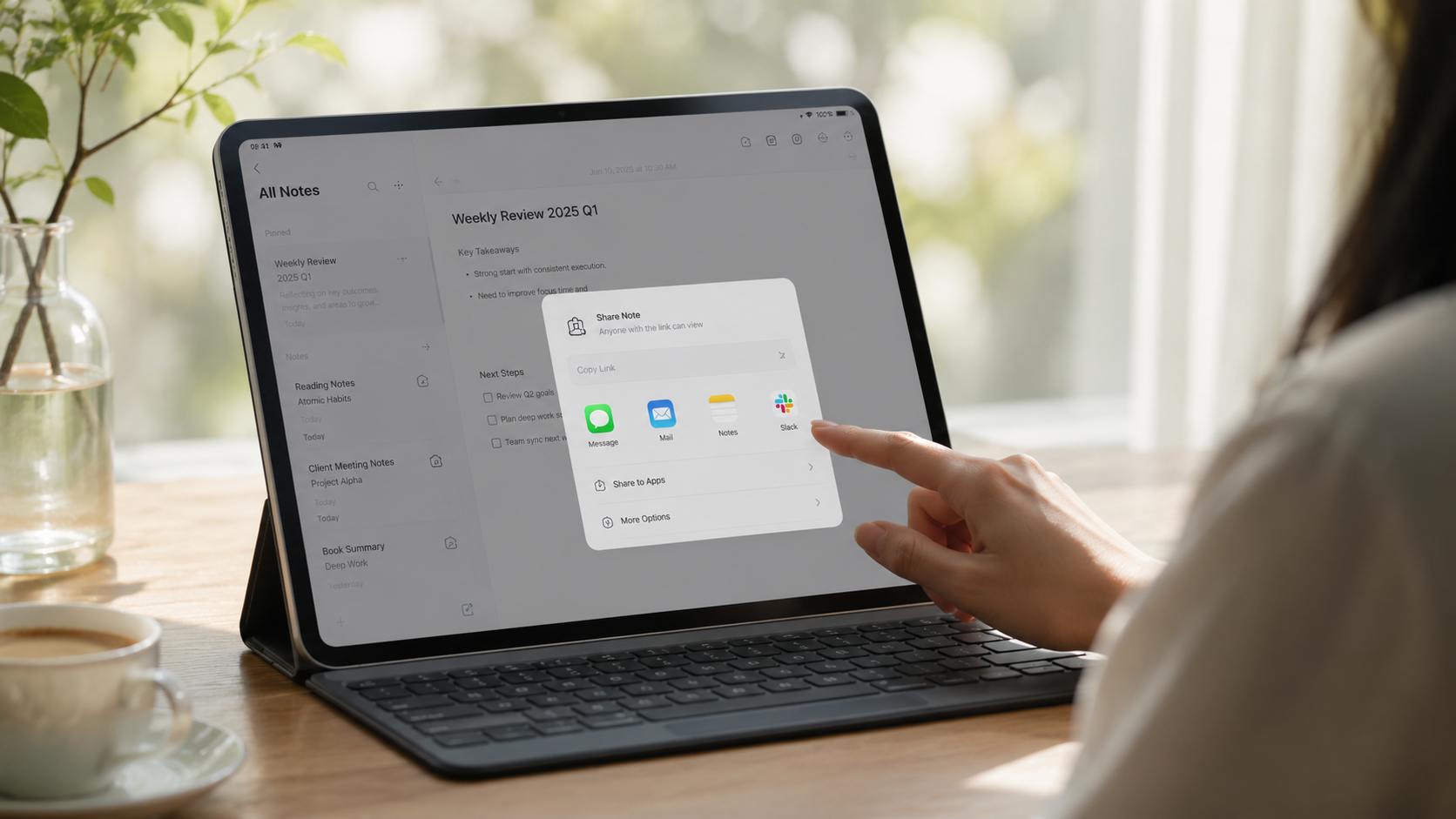
Open the note or generated content you want to share, tap the share button in the top-right corner, choose “Publish to web,” then tap “Create link.” Copy the public link and send it to the other person. They can open the link to view the content, and if supported, continue chatting or asking questions about it.
Published content appears in “Published content” in the sidebar. You can stop sharing at any time; once stopped, the original link will no longer work.