How do I import audio files?
ideaShell
Example AI prompt
How do I import audio files?
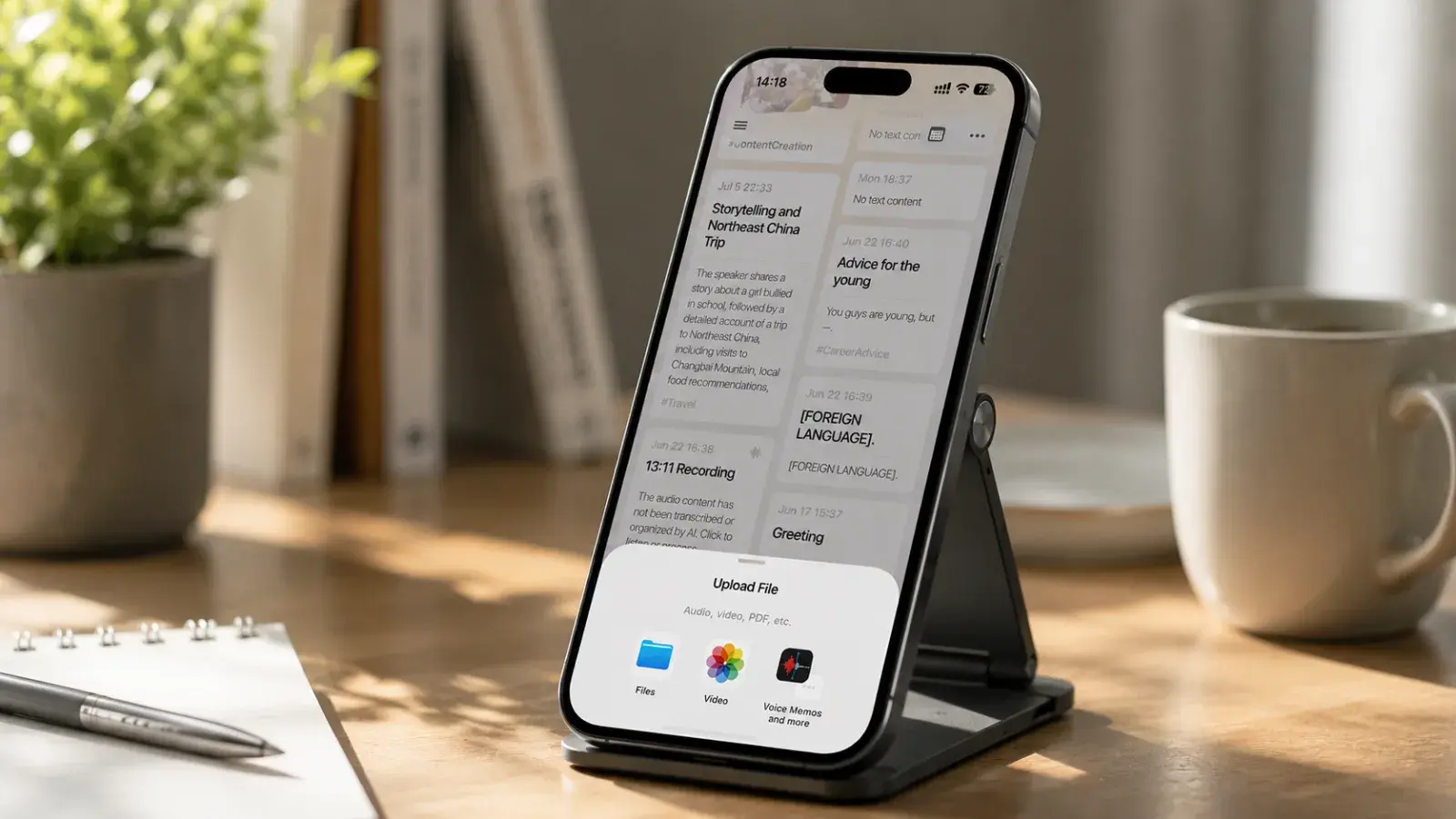
There are two ways to import audio files into ideaShell: on the home screen, tap “+” and choose “Upload file,” then select an audio or video file from Photos or Files (video audio is extracted automatically); or import from another app by opening that app, choosing share or open with another app, and selecting ideaShell.
Supported audio formats include AAC, AIFF, CAF, FLAC, M4A, MP3, MP4, and WAV. If import fails, the file extension may not match the actual encoding. Try exporting it as a standard MP3 with a tool such as CapCut, then import it again.