How to Urgently Recover Recording Files
Update Date: 11/24/2025
For recording data, we have implemented multiple layers of protection and scenario-based optimizations, such as:
-
Unexpected exit: If your phone crashes or restarts under special circumstances (you can test this by force closing the App during recording), the App will retain all content recorded before closing.
-
Incoming calls: When there is an incoming call, the recording will automatically pause; after the call ends or is hung up, the recording will automatically resume.
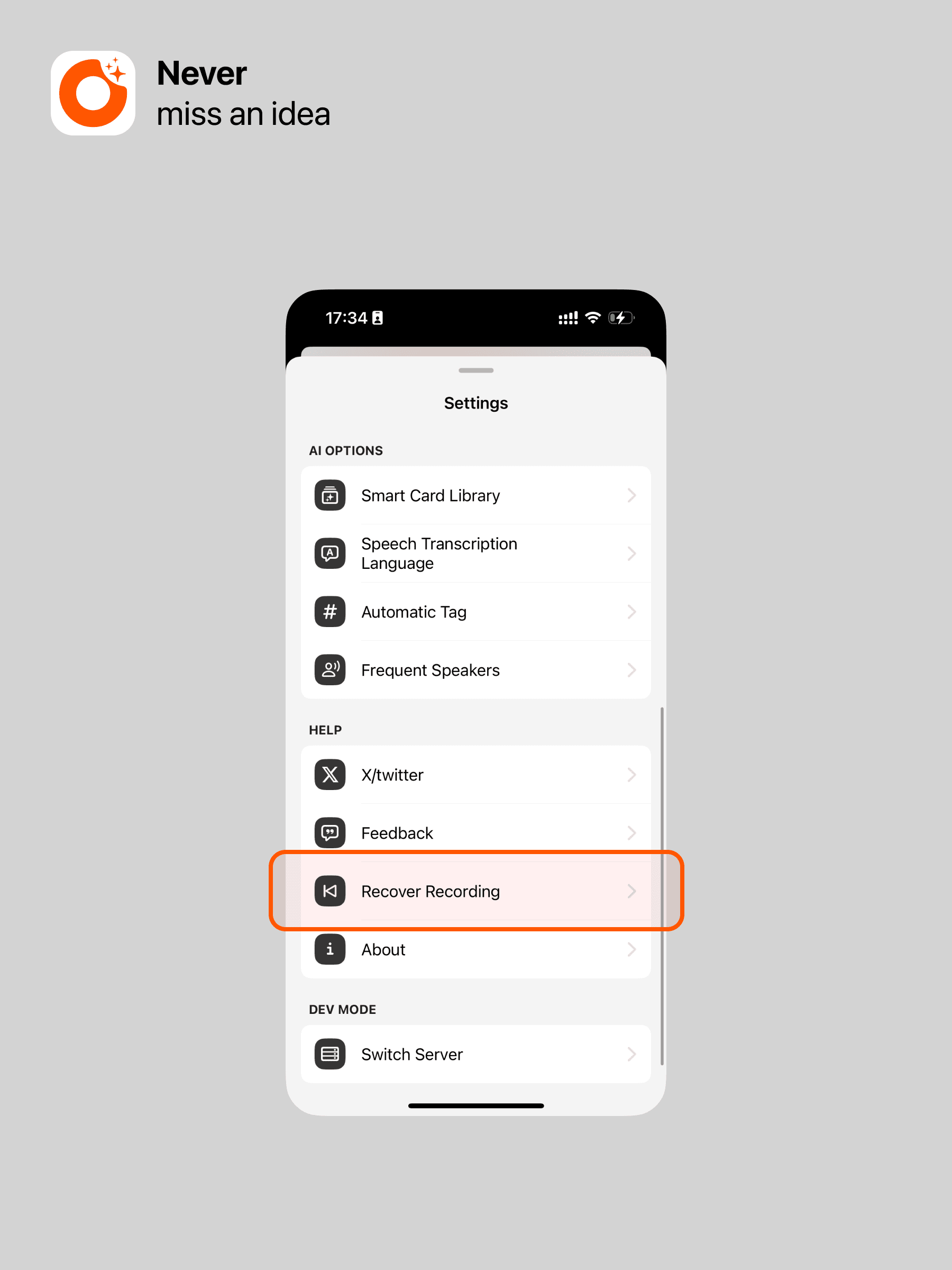
Additionally, if you find that data was not saved, you can recover cached recordings in Settings. Here’s how:
Go to Settings and click Recover Recording. You can restore the most recent 20 recorded audio files.