How to Record Audio (Advanced Tutorial)
Update Date: 11/24/2025
As is well known, ideaShell supports direct audio recording, content transcription, and discussion or content generation based on recordings. In addition, we also offer more professional advanced recording capabilities.
Quickly mark key moments with timestamps
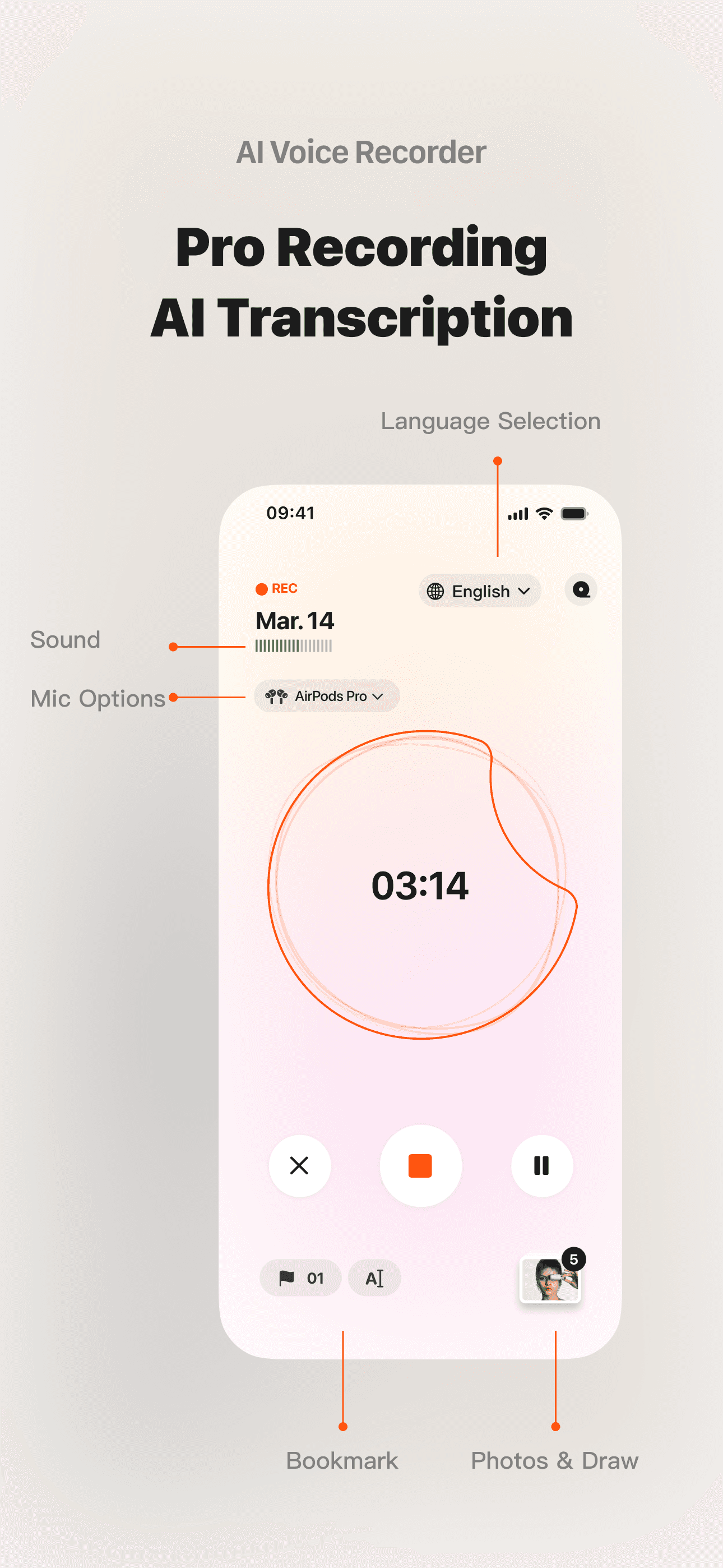
With timestamp marking, you can easily tag specific time segments during recording, making it convenient for later playback, searching, and recalling.
Use photos and doodles for notes
During recording, you can annotate with photos or doodles, such as taking a picture of a PPT slide or quickly sketching notes. AI can also recognize text within images, enabling seamless integration with Ask AI.
Support for selecting Bluetooth devices
You can choose Bluetooth devices for recording, providing a more flexible and convenient experience.
Seamless playback and jump-to-position
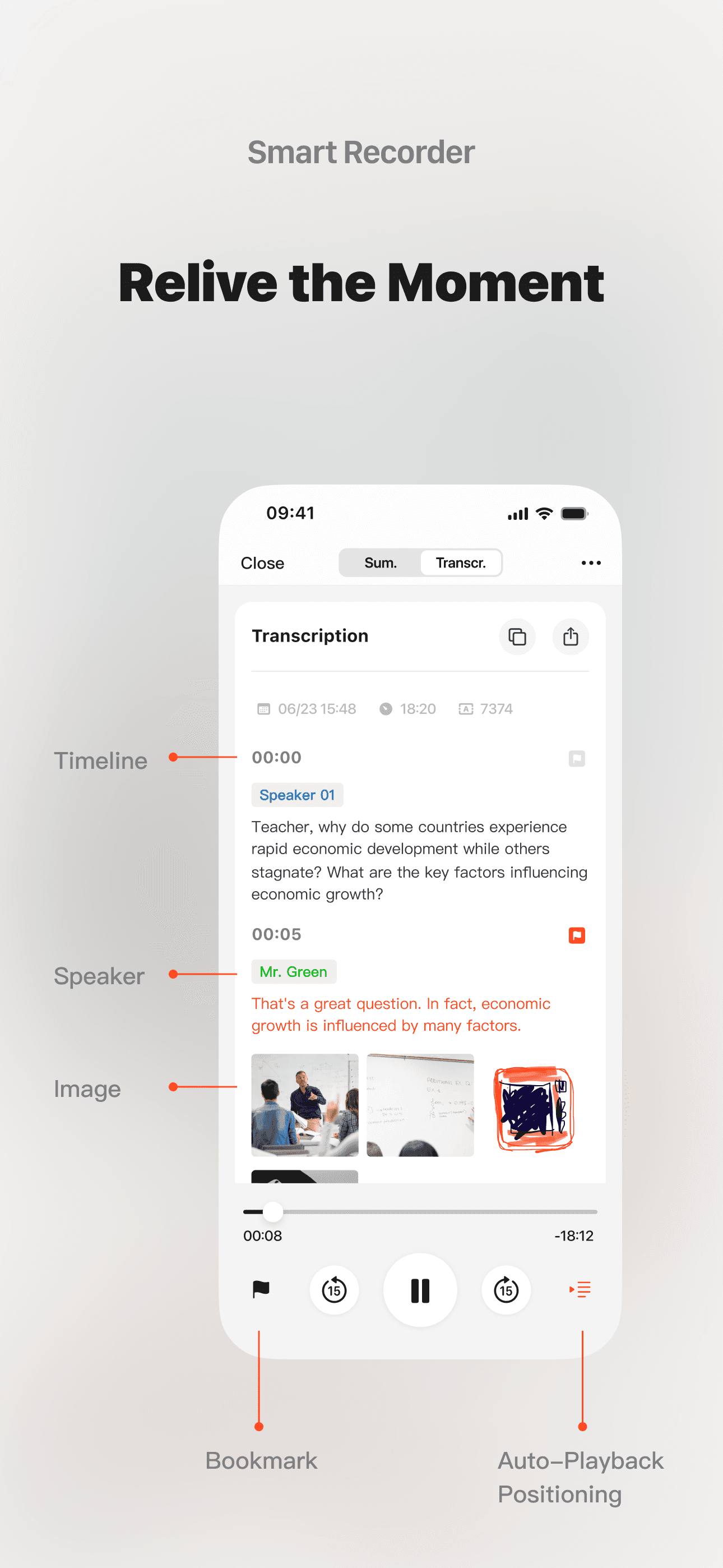
When replaying recordings, you can jump directly to specified timestamp marks, and the audio playback will automatically sync with the corresponding text, delivering a smoother experience.