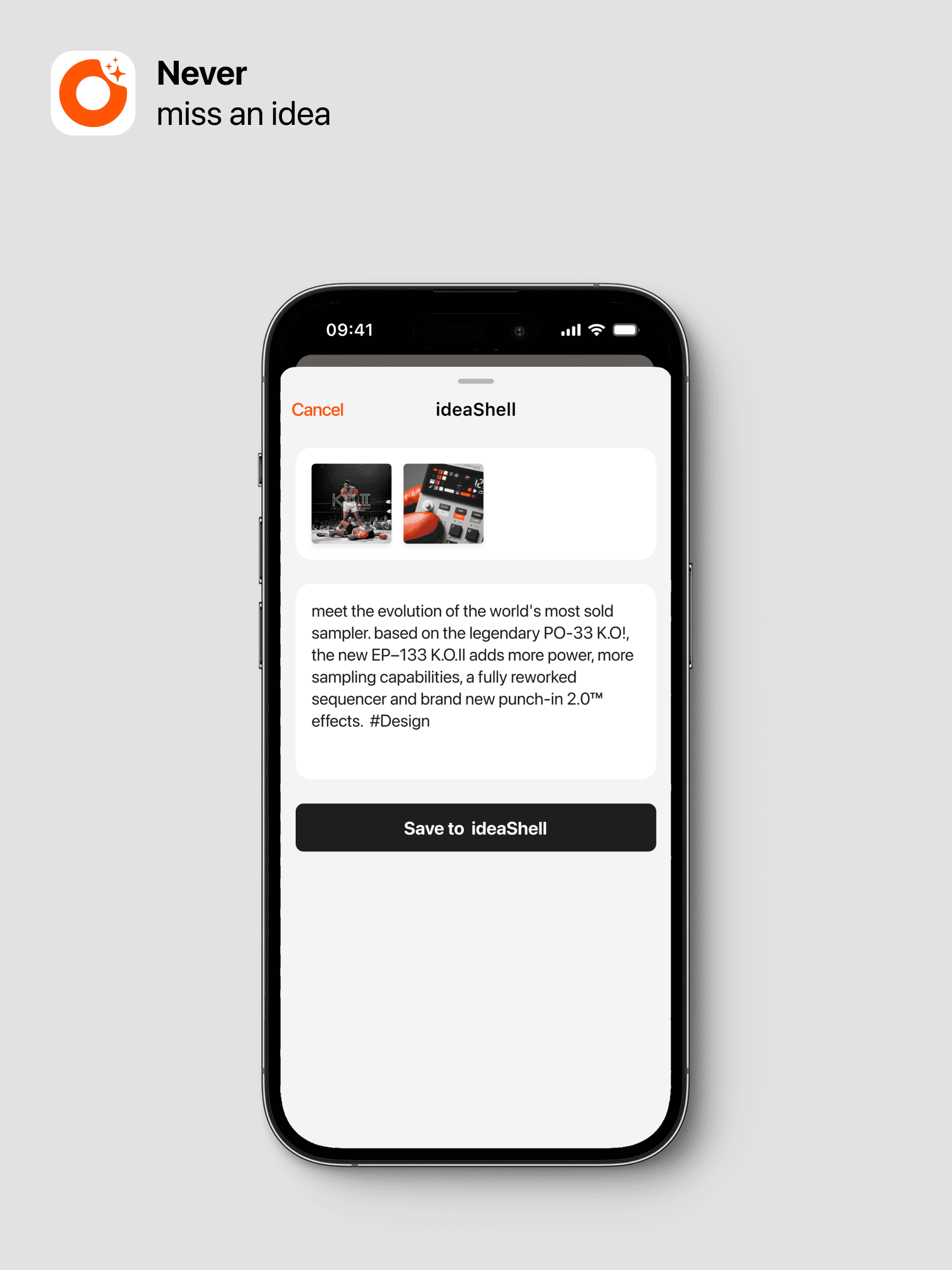
Quick Content Import
Update Date: 11/24/2025
To make it easier to save the content you encounter daily, such as beautiful images on web pages or brilliant paragraphs in articles, ideaShell offers a convenient recording feature.
Currently, ideaShell supports recording the following types of content: audio recordings (imported audio and internal recordings), text, clipped web pages, images, and more.
Step 1: Choose the content you want to import
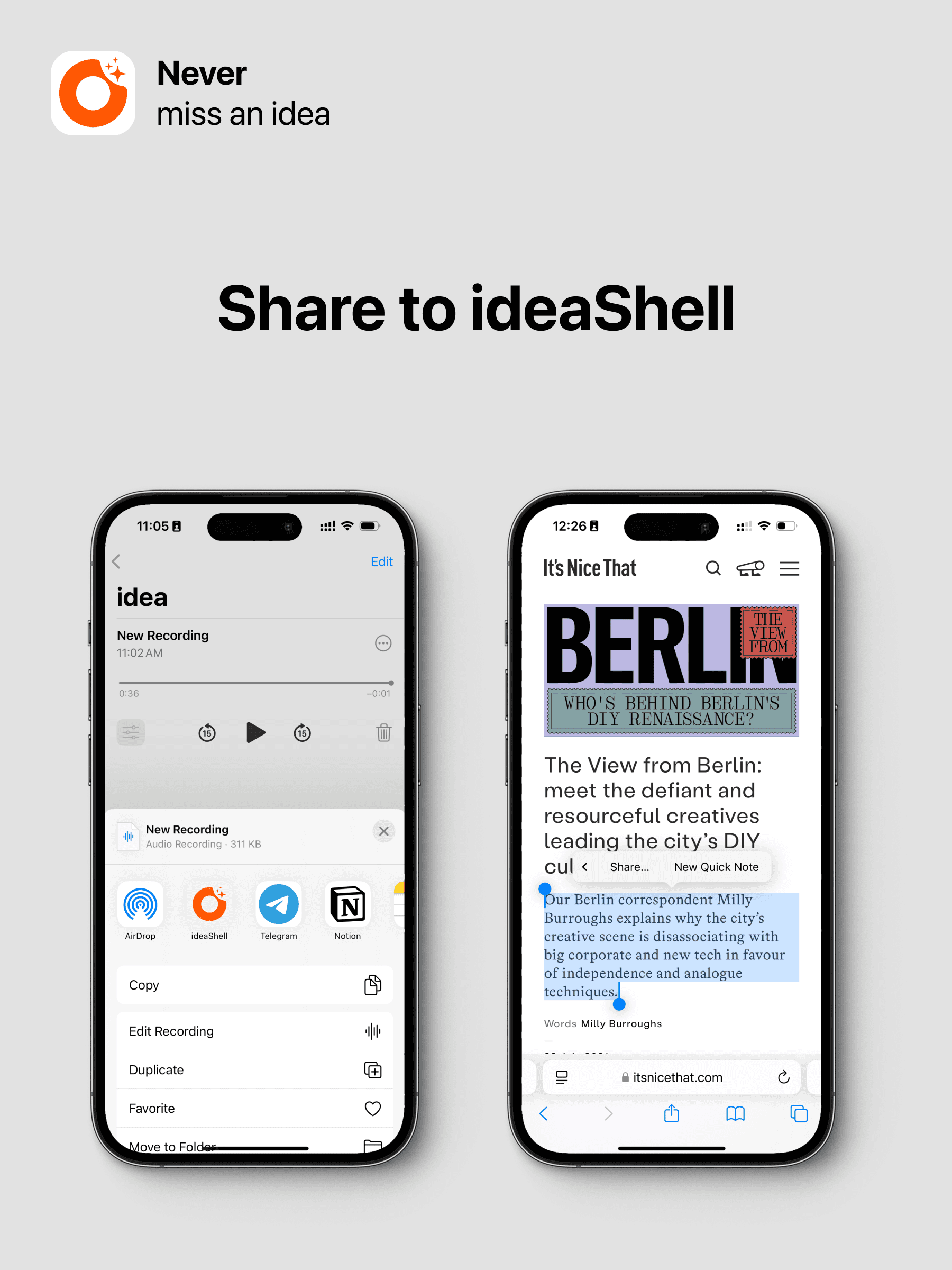
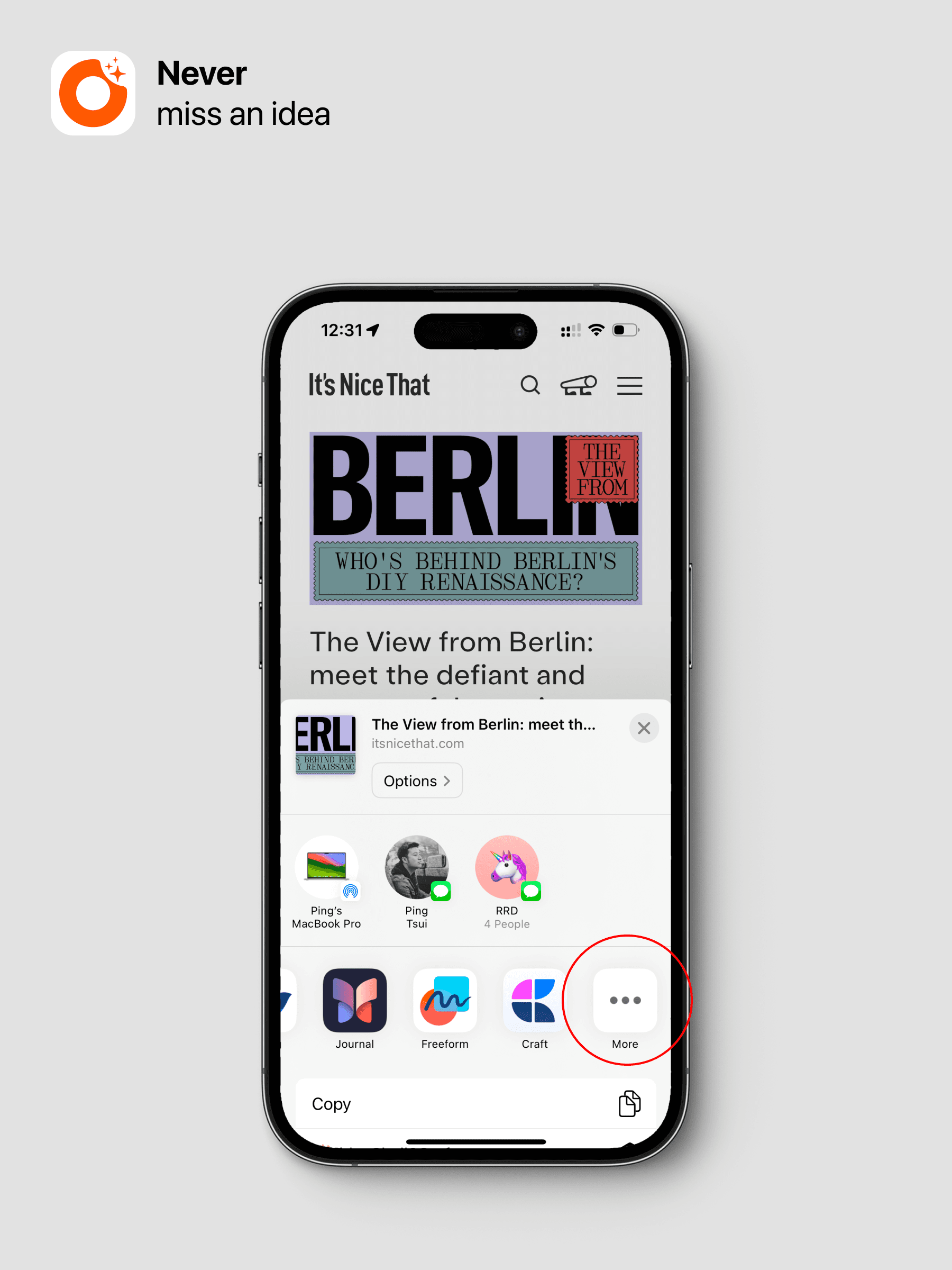
Step 2: Tap “Share” and select “ideaShell”
If you don’t see ideaShell on the first screen, you can swipe left, tap ”…”, and add ideaShell to a more accessible position.
Step 3: Fill in the content description
For example, background information for the recording or a description of the image. You can also use “#” to add tags.